Create multiple sessions of a program in a registration period
Registration Setup
Instructors can be assigned to a session, which will allow them to log into the Front Page using their public user accounts to view their roster and send bulk emails.
Create a registration period for store items!
Updating Lookups To update drop down content lookup boxes in your registration form or elsewhere in Cogran, navigate to Forms, Lookups and Email Templates. This is instantly updated.

Use Autocomplete search to swiftly find the right Registration Option when creating sessions!
When setting up a registration system for camps, sports leagues, or any youth-oriented programs, a crucial decision is whether to base registration on age or grade.
New to setting up a Cogran registration? Review this video for a general overview of programs, sessions, and registration periods!
Once you have archived an item, you will be able to find it by following these steps.
A few tips to troubleshoot your Cogran setup.
Restrict registration to only one region using this method.
Make a registration period. Registration periods are when registration is offered. To offer a program for registration, create a registration period to control when registration opens and closes!
Private Registration for Classes
Create daily/weekly registration opportunities for program signups.
Add Questions to Programs for Added Power
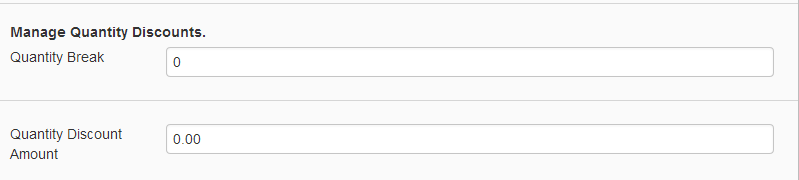
Cogran offers many different types of discounts, from quantity to household.
Schools, Churches, and other items are captured during registration. Here’s how to add them.